Odoo Point of Sale (PoS)
Odoo Point of Sale (PoS)is a modern cash register system designed to manage and automate the sales process and payment acceptance across various types of businesses, from retail stores, restaurants, cafes, to service businesses. With an intuitive interface, Odoo PoS makes it easy for cashiers and staff to serve customers quickly and accurately.
The system is directly integrated with the modulesInventory, Accounting, CRM, and eCommerce, so every sales transaction automatically updates stock, financial reports, and customer data. Additionally, Odoo PoS supports various payment methods—cash, credit/debit cards, e-wallets, and payment gateway integration—and can operate both online and offline, ensuring transactions remain smooth even if the internet connection is disrupted.
Other advanced features includetable and order management for restaurants, integration of barcode scanners, customer loyalty programs, discounts and promotions, to real-time sales reports. With an analytics dashboard, management can monitor sales performance, customer behavior, and product trends comprehensively.
WithOdoo PoS, businesses can improve operational efficiency, reduce recording errors, speed up customer service, and gain full control over transactions and inventory management in one integrated platform.

Main FunctionsOdooPoS
Odoo PoS includes core functions such as payment acceptance, store inventory management, integration with PoS hardware like barcode scanners, receipt printers, and sales tracking.
Sales Transactions
Enables quick and efficient handling of sales transactions, processing payments through various methods, including cash, credit cards, and digital payments, as well as printing receipts or sending payment proof via email.
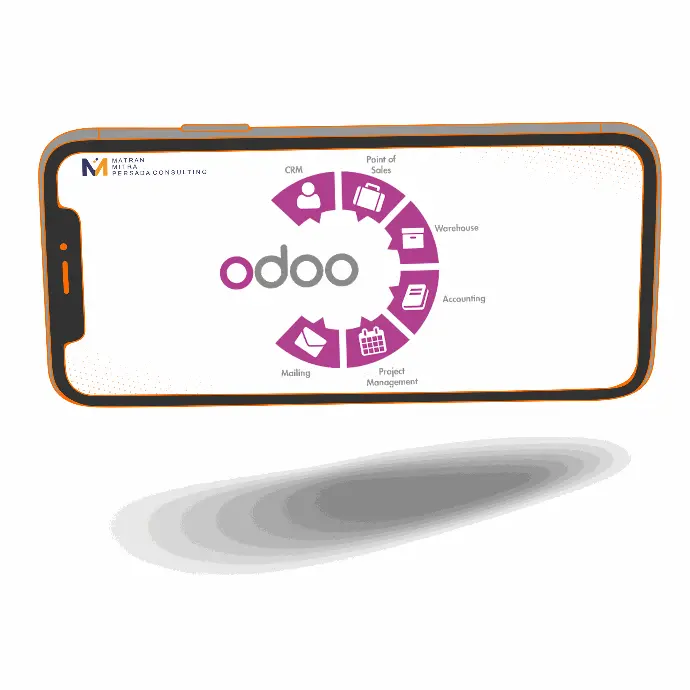

IntegrationOdooPoS
1. Odoo Inventory: Automatic stock changes
2. Accounting: Connected to accounting records
3. Financial Reports: Provides comprehensive reports
4. Sales: Efficiently manages orders and sales
AdvantagesOdooPoS
Odoo PoS has an intuitive user interface and can be easily customized, managing sales operations across multiple locations or outlets.


Examples of use and displayOdooPoS
One of the uses of Odoo PoS is restaurants that use this system to manage orders, receive payments, and monitor food and beverage inventory.
Some featuresOdooPoS
Modern Display
A clear and easy-to-use interface.
Compatible with PC and Tablet
Operate Odoo POS on PC and tablet as well as on industrial touch-screen terminals.
Combo Meals
Sell food through easily configurable combo meals.
Offline Mode
Continue to work even when offline. Your POS session can be closed while offline without losing data.
Cashier Accounts
Manage multiple cashier accounts and secure them with badges or PIN codes.
Prices & Discounts
Set customer prices or offer percentage-based discounts for individual products or entire orders.
Floor Plan Customization
Set customer prices or offer percentage-based discounts for individual products or entire orders.
Inventory & Stock
Monitor stock in real-time, manage inventory across all your locations, and review deliveries with Odoo Stock integration.
Browser Support
Odoo PoS is a web-based application and can be installed on all devices and operating systems that run Chrome, Firefox, or Safari (such as Microsoft Windows, Apple OSX, Linux, Android, and iOS).
Accounting
Payments will be directly integrated into Odoo Accounting to make bookkeeping simple and reliable.
Barcode
Embed prices, weights, and loyalty programs directly into your barcode.
Self Order
From their kiosk or smartphone, your customers can do everything themselves, from ordering to paying.
Sell From Anywhere
With support for iPad and Android tablets, sell from anywhere in your store or restaurant.
